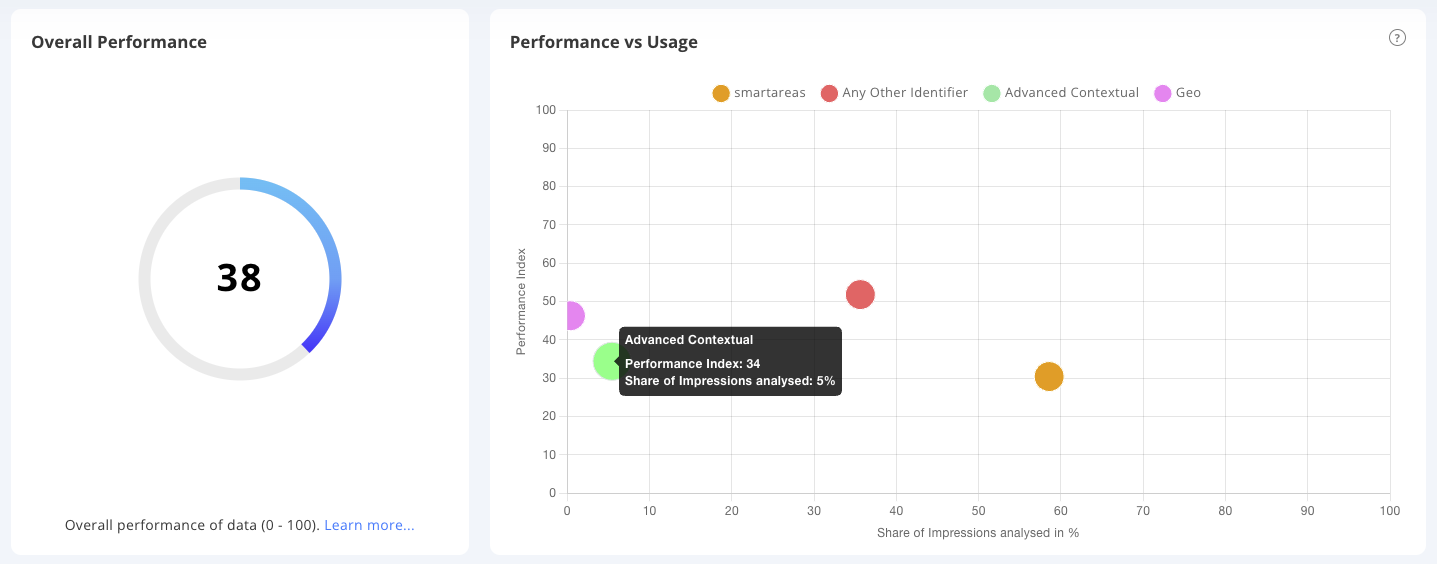
Review of an advertiser to optimise campaigns for Future-proofing.
The reason why we would want to view an advertiser’s current achievement of goals against our future-proof targets is to ensure that we are able to optimise to the best criteria and guard our clients and our business against any changes in the market away from identifiers which are deprecating or are intransparent.
To view this information for your client you can follow the quick steps here:
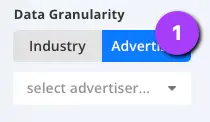
1. Choose the Advertiser option within the Data Granularity view.
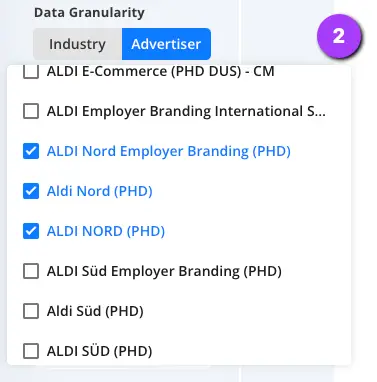
2. Then choose the Advertiser or Advertisers you would like to review.
Select Your Date Range
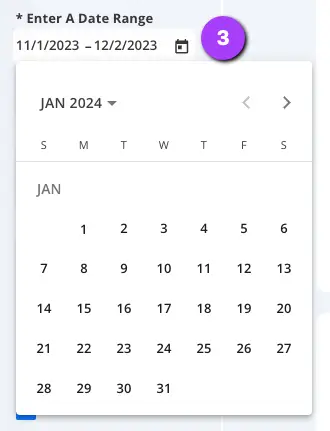
3. Adjust the date range to the timing you wish to review (Data is available from Q1 2024). Simply open the date picker, select your start date of your range and then select your end date.
Select the Future-Proof View
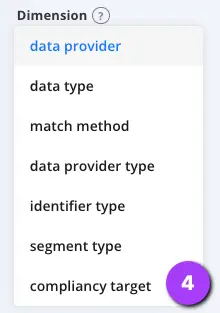
Select the Compliancy Target Dimension from the Dimension dropdown.
Now review your results and Future-proof!
Advertiser Future-proof View
You will now see a view of your required Advertiser(s) with their share of data impressions grouped by the future-proof criteria.
To optimise here it is crucial that you:
Evaluate which area you need to improve on (In the example above we can see that Advanced contextual is a concern at only 5% Utilisation)
Review Partner availability for this focus area, How to is here
Plan buys from providers which are future proofed and utilise segments that also align with your optimisation.