Review of a provider to optimise segments for Future-proofing.
The reason why we would want to view an advertiser’s current achievement of goals against our future-proof targets is to ensure that we are able to optimise to the best criteria and guard our clients and our business against any changes in the market away from identifiers which are deprecating or are intransparent.
To view this information for your client you can follow the quick steps here:
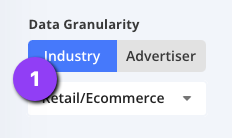
1. Choose the option within the Data Granularity view which aligns to your needs, if you are looking for general guidance across verticals do not filter Industry. Otherwise choose Industry.
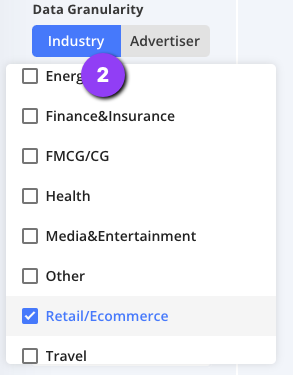
2. Filter to the industry which reflects your client for more precise partners.
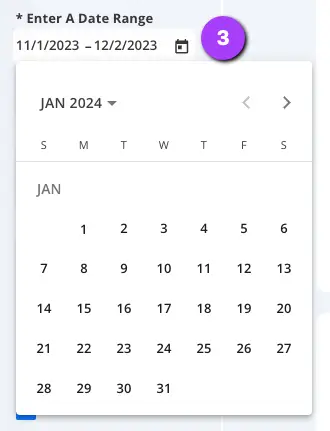
Select Your Date Range
3. Adjust the date range to the timing you wish to review (Data is available from Q1 2024). Simply open the date picker, select your start date of your range and then select your end date. Here you should apply the same date range as any client analysis made so results are comparable.
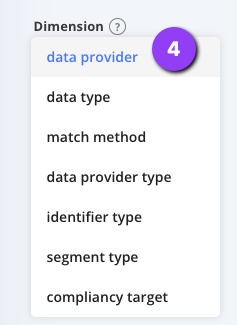
Select the Data Provider View
4. Select the Data Provider Dimension from the Dimension dropdown in order to view your chosen data split by Data Provider.
Filter the Results to your required criteria
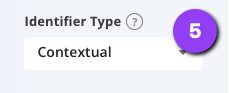
5. Now filter only to the identifier which your are to Future-proof.
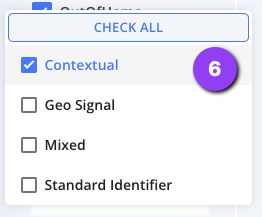
6. Now filter only to the identifier which your are to Future-proof.
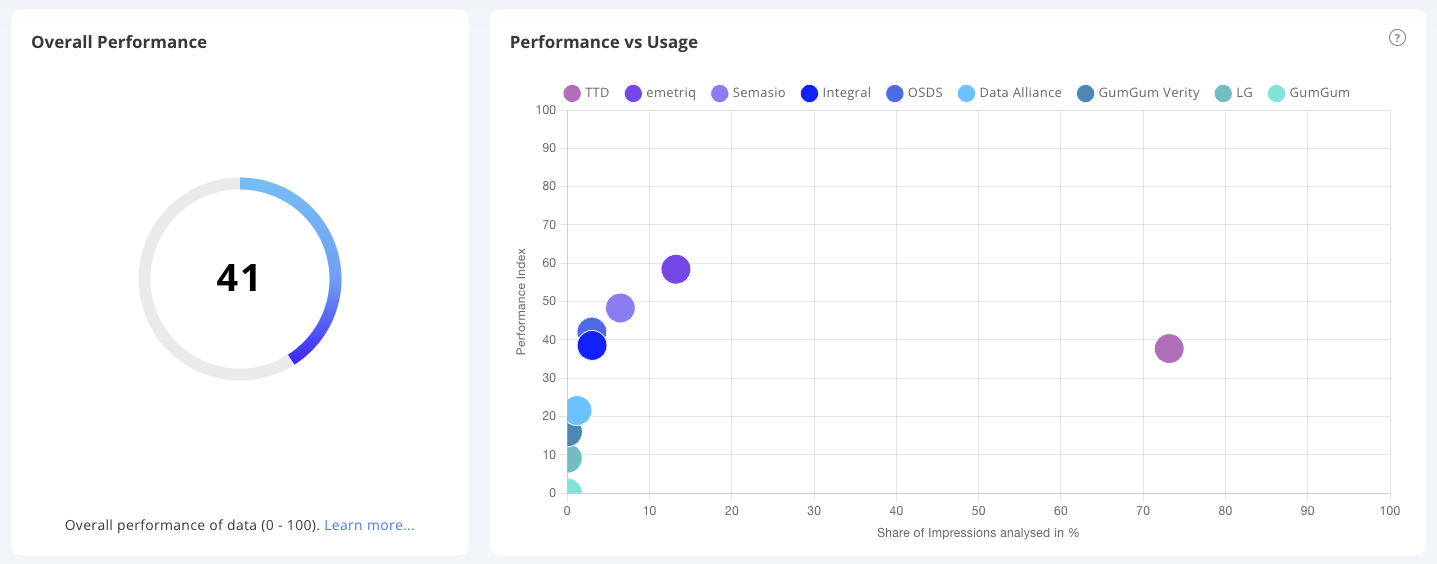
Now review your results and Future-proof!
You can see from the above view that there are several providers who could be oof interest to help grow the utilisation in Advanced Contextual.
To optimise here it is crucial that you.
Review the relevant Partners and understand which segments are available.
You can refer to the Data Partner Overview for a high level overview
For indepth information and available segments which are actively pushed to the DSPs refer to the Local Audience Hub (LAH).